A link in bio for your app
On this page
Most link-in-bio pages are built for creators: a list of buttons, each as important as the next. For an app, one of those buttons matters more than the rest. You want installs, and you want to know whether the page helps.
Lead with the install
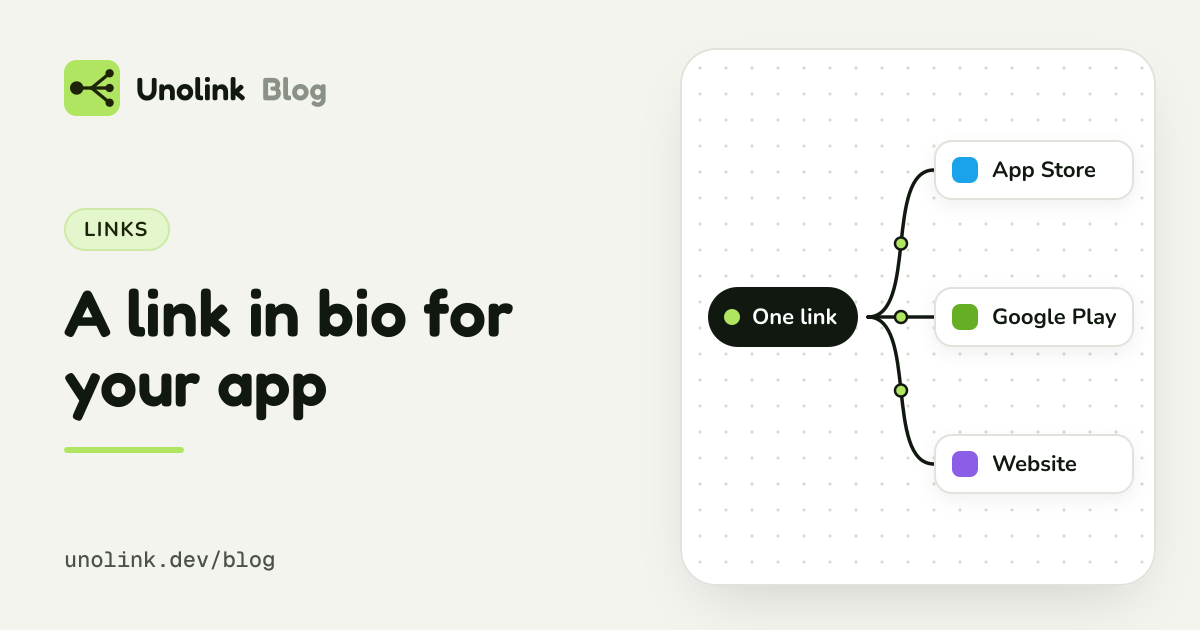
Put the app first: its icon, name and rating, one clear line about what it does, and one store button. Show the App Store button to iPhone visitors and the Google Play button to Android visitors, so nobody has to pick. A visitor on a computer can scan a QR code instead.
Below that, a few screenshots and up to three short benefits. Then the rest: your website, YouTube, Discord, a support email. They're there for people who want them, but they don't compete with the install.
- App StoreiPhone and iPad
- Google PlayAndroid
- Your websiteEverything else
Keep it fast
People arrive from a video and leave quickly. A page that loads in a blink, with no cookie banner and nothing that tracks them across the web, keeps more of them. Unolink's landing pages are built to be light: no ad trackers, no cookie banner, nothing in the way of the store button.
Test it like an ad
Write two or three versions: a different headline, a different first screenshot. Unolink compares up to three variants and shows, for each one, how many visitors tapped the store button. With the SDK it also shows how many installed and how many paid. It names a winner only once there's enough data to be sure, so you don't switch on a lucky day.
Count every link on it
Taps on the extra links are counted per variant too, so you can see whether people go to your Discord instead of the store, and whether that's good or bad for installs.
More than one app?
A developer page puts all your apps and links on one page at go.unolink.dev/@you. Each app's button still picks
the right store for the phone and counts as a click on that app's link, so one bio link covers your whole studio.
What it costs
Landing pages and the developer page are on Indie ($6 a month) and up. Installs and paying users per variant need the SDK, on Pro and Studio. See landing pages, the developer page and pricing.
Share this article