One link for App Store and Google Play: how to set it up
On this page
Your app is on both stores, but your bio, your ads and your posters have room for one link. Paste the App Store link and every Android visitor lands on a page they can't use. Paste both and half your audience has to work out which one is theirs, on a small screen, in the three seconds they gave you.
The fix is a single link that looks at the device and sends each person to the right store. This guide covers how that works, how to build one yourself, how to set it up in a couple of minutes without code, and what to check before you print it on anything.
What a smart link does
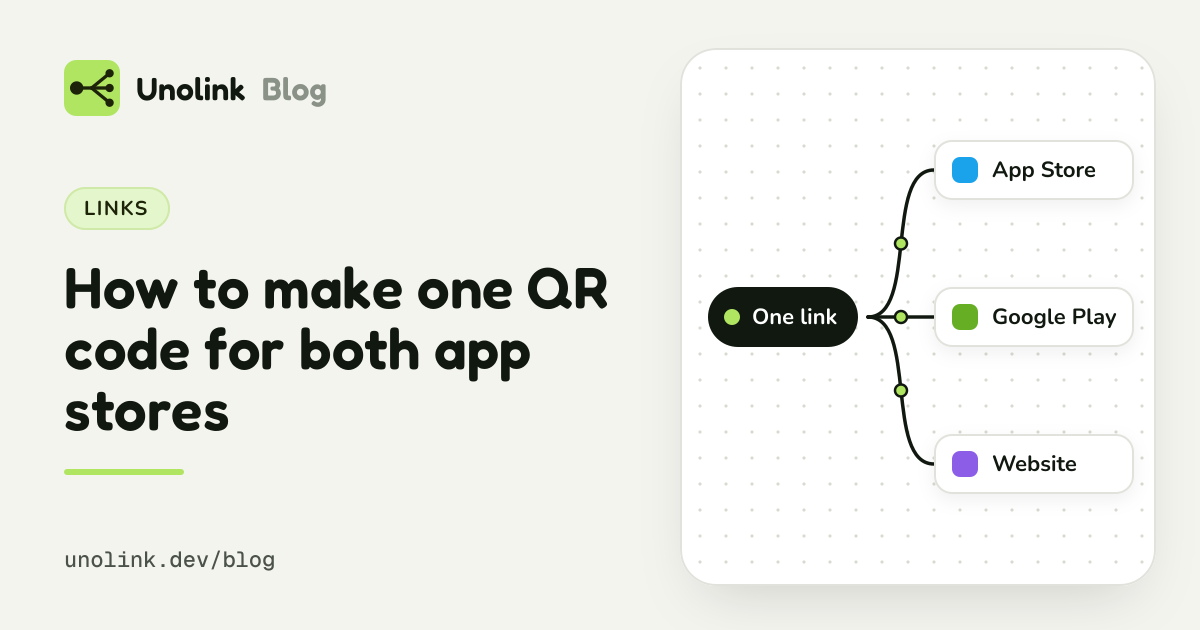
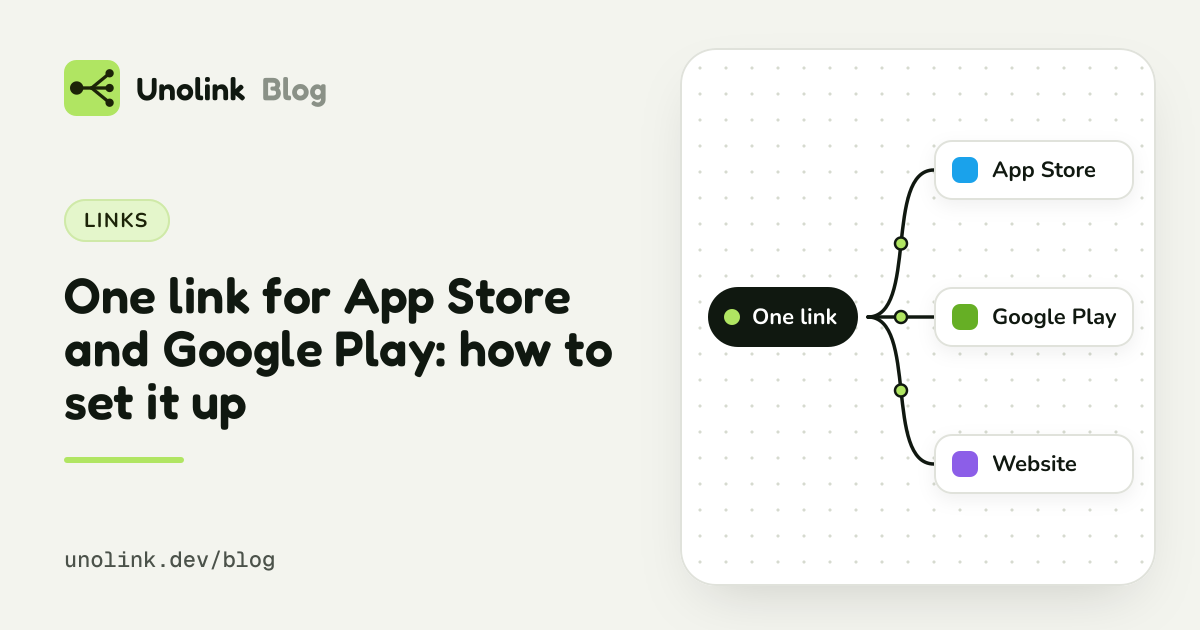
A smart app link (also called a universal app link, an app download link or a OneLink) is an ordinary web address. When someone opens it, the link sees which device opened it and sends them to the right place:
- iPhone and iPad go to your App Store page.
- Android phones and tablets go to your Google Play page.
- Computers go to your website, your Mac App Store or Microsoft Store page if you have a desktop app, or a page with both store buttons and a QR code.
The visitor never sees any of this. They tap, and their own store opens on your app, where the button they need is already there.
- App StoreiPhone and iPad
- Google PlayAndroid phones and tablets
- Your website or desktop storeComputers
None of this is tracking: knowing whether a visitor is on a phone or a computer is how websites have always shown the right layout to each.
The two store addresses you need
Before you build anything, collect the canonical address of each store page.
- App Store:
https://apps.apple.com/app/id1234567890. The number is your app's Apple ID, shown in App Store Connect under App Information. The country and the app's name in the path are optional, and leaving them out gives a link that works in every country. - Google Play:
https://play.google.com/store/apps/details?id=com.example.app. Theidis your package name.
Open both on a phone before going further. A typo here is the most common reason a "smart" link sends people to a "not found" page.
Option 1: build it yourself
If you already have a website, a redirect takes a few lines on the server. In outline:
- Add a route such as
yourapp.com/get. - Check which device opened it.
- Send iPhone and iPad to the App Store address and Android to Google Play. Show everyone else a small page with both store badges.
That's enough for a personal project. The rough edges show up later:
- iPads that say they're Macs. Recent iPads ask for desktop websites by default, so they look like Macs. A simple check sends those iPad owners to your website instead of the App Store.
- Link previews and bots. Every time your link is pasted into a chat app or an ad tool, a preview bot fetches it. If your script counts visits, those bots inflate the numbers, and if it redirects them to a store page, your link preview shows the store's title instead of yours.
- Counting. You'll want to know how many people opened the link, from where, and on which platform. That means logging, filtering out bots, and a page to read it on.
- One link per campaign. As soon as you post in more than one place, you'll want a separate link per post, creator or ad, so you can compare them. Each one needs the same routing.
None of this is hard, but it's a small product to maintain. That's why most teams use a link tool.
Option 2: use a link tool
Many tools do the routing for you, from free one-link generators to large mobile measurement platforms. What to look for depends on what you'll do with the link:
- Just routing: any tool that sends each phone to its store will do. Check that it handles desktops and iPads sensibly.
- Routing plus numbers per post, creator or ad: you want campaign links with their own click counts, and UTM tags kept with each click.
- Knowing which link brought installs and paying users: you need a tool with an SDK in your app, because the store sits between the click and the install and doesn't tell the link what happened.
Set it up in Unolink
Unolink does the routing on every plan, Free included. Here's the whole setup.
- Create an app. Sign up, press New app, and fill in the app name and a link name. The link name becomes
the address:
go.unolink.dev/yourapp. You can change it later, and the old address keeps working. - Add the destinations. Paste the App Store and Google Play addresses (at least one is needed). Add your website for everyone else, and your Mac App Store or Microsoft Store page if you have a desktop version. Without a website, computers see a small page with both store buttons.
- Save and test. Open the link on an iPhone, an Android phone and a computer. Each should land on its own page.
That's your main link. Put it in your bio, your website footer and your email signature.
A few details that are handled for you:
- iPads that ask for desktop websites still reach the App Store, while real Macs go to the Mac store or your website.
- Known bots and link previews: never sent to a store, never counted. Previews in chat apps show your app rather than a store page.
- Parameter forwarding (optional, per app) passes query parameters such as
utm_sourcethrough to the store or website.
One link per post, creator or ad
The main link answers "how many people tapped my link". To compare channels, make a campaign link for each:
go.unolink.dev/yourapp/tiktok-oct, go.unolink.dev/yourapp/creator-anna, go.unolink.dev/yourapp/meta-ads. Each
routes the same way and has its own numbers: clicks, countries, platforms, referrers and UTM tags. The Free plan has
three campaign links per app; Indie has 50 links per app. See pricing.
Renaming a campaign link later is safe: the old address keeps working and redirects to the new one.
Things that go wrong
When one link isn't enough
A link gets people to the store. What happens after that is the store's business, and the store tells your link nothing. If you want to know which post brought installs, people who finished onboarding, and people who paid, the app has to report it.
That's what the Unolink SDK does, on the Pro plan and up. It's a small library you add in minutes, and it shows which link brought each install, on iPhone and Android, without fingerprinting. Then each link gets its own funnel: installs, onboarding, paywall, purchases, with RevenueCat revenue if you use it. You stop guessing which post or creator was worth it, and you don't need a mobile measurement platform priced for big budgets: Pro is $19 a month, with the price on the page. The post Which TikTok post brought your paying users? walks through it.
And if you'd like a page before the store, with your pitch, screenshots and one button, see App landing pages that convert.
Share this article