Deferred deep links on Android, explained
On this page
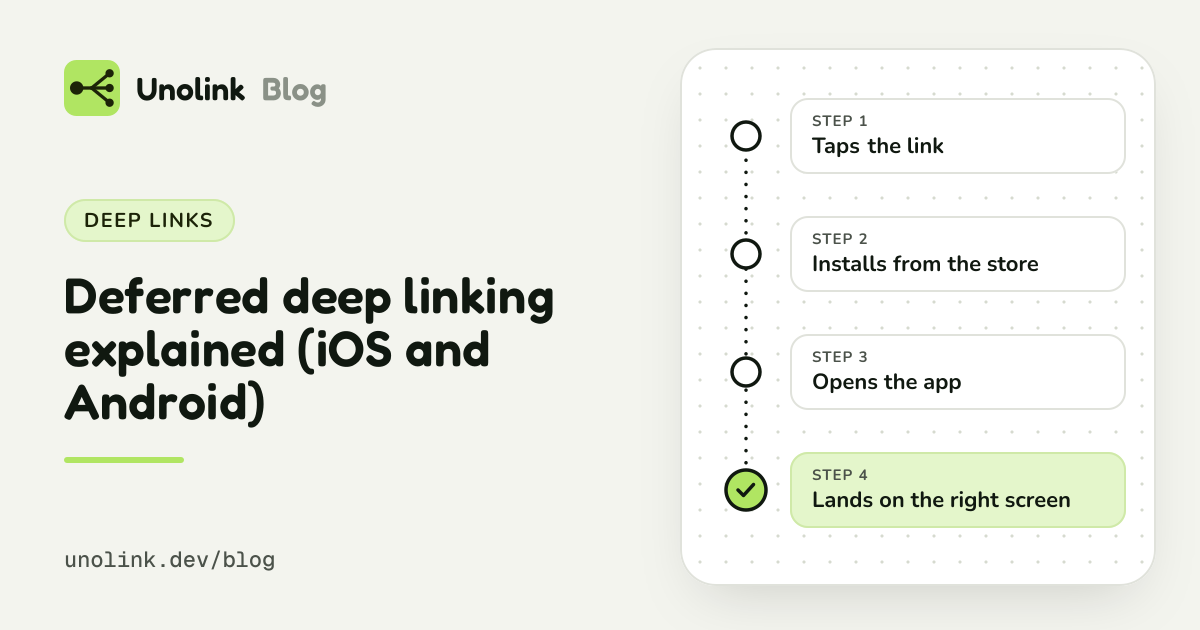
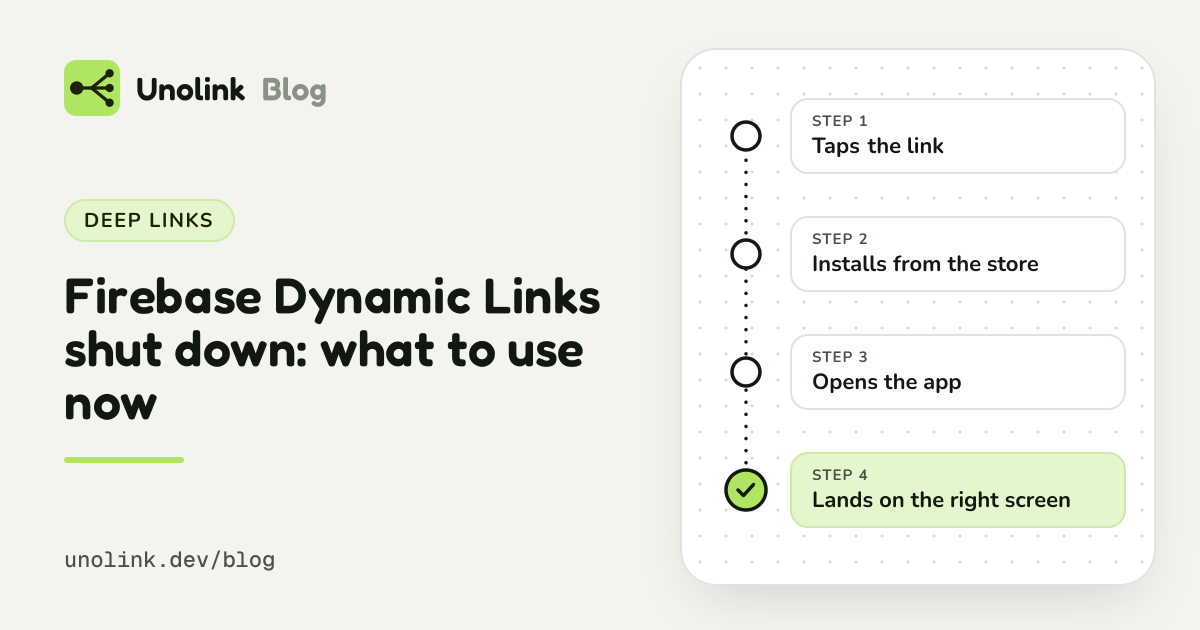
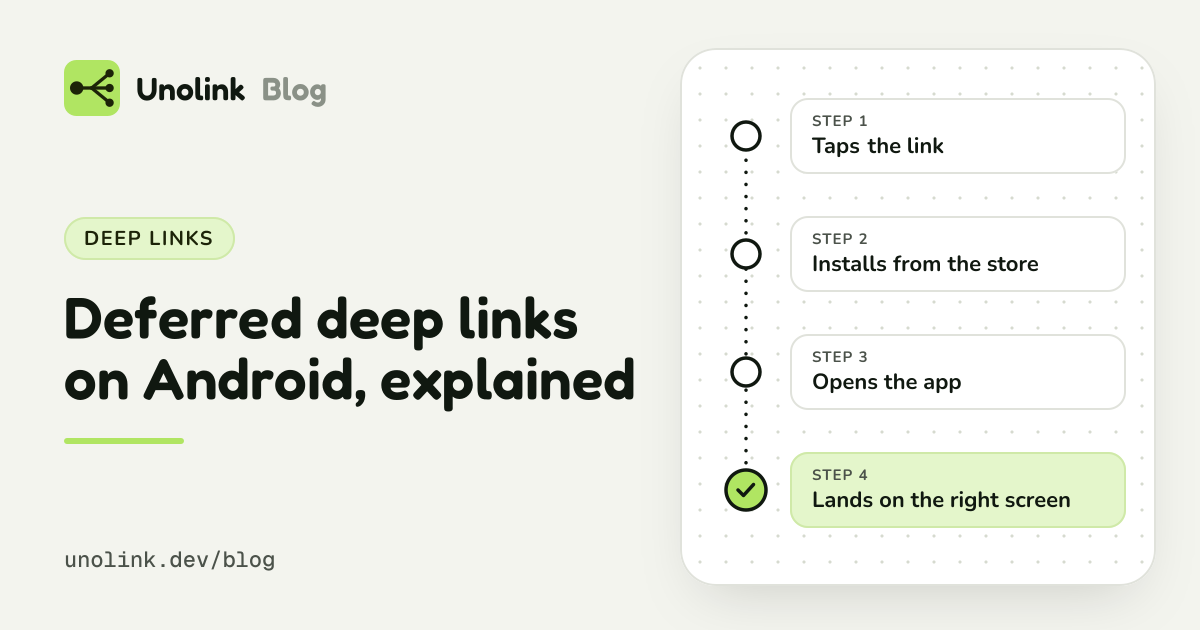
A normal deep link opens a screen in an app that's already installed. A deferred deep link works for someone who doesn't have the app yet: they tap the link, install the app, and on first open it takes them to the screen the link was about, a promo, a recipe, an invite.
Why it matters for a small app
Every extra step between the tap and the thing someone came for loses people. A creator says "use my code for a free month", a viewer taps, installs, and then lands on a generic welcome screen with no sign of the offer. Some of them give up right there.
With a deferred deep link, the first screen matches the promise:
- Promos and creator codes open the offer the post talked about.
- Invites open the friend's team or shared list.
- Content links open the recipe, workout or level from the video.
It's the difference between "find it yourself" and "here it is".
Setting one up with Unolink
You set a deep link on any of your links in the dashboard, such as /promo/3for2. New Android users who install from
that link get that screen on their first open. Your app receives it once and decides when to show it.
There's nothing to host and no routing service to run. The same link still sends iPhones to the App Store and computers to your website, and installs are still counted per link.
Add the SDK
Set a deep link on a link
Open it in your app
And on iPhone?
Unolink doesn't offer deferred deep links on iPhone. Doing it would mean fingerprinting devices or asking people to allow a paste, and Unolink does neither. iPhone users still go straight to the App Store, and iPhone installs are still counted per link, without fingerprinting.
Things that trip people up
- Test with a real store install. Install your test build from Google Play, such as an internal testing track, not straight from Android Studio.
- First open only. The deep link is handed over once. Uninstall the app to test again.
- Hold the link if onboarding comes first. A brand-new user usually starts in onboarding. Keep the link and open it when onboarding is done, rather than skipping past it.
Step by step, for Kotlin, React Native and Flutter: Android deferred deep links.
Share this article