Deferred deep linking explained (iOS and Android)
On this page
A friend sends you an invite to a shared shopping list. You don't have the app, so the link takes you to the store. You install it, open it, and... you're looking at a generic welcome screen. The list, the reason you came, is gone.
Deferred deep linking is the fix for that moment. It's simple to describe and uneven in practice, because Android and iPhone treat it very differently. This post explains what it is, what you can expect on each platform, the privacy trade-offs on iPhone, and how to decide whether your app needs it at all.
Three kinds of link
- A plain store link opens the app's store page. Nothing more.
- A deep link opens a specific screen inside an app that's already installed, such as a shared list or a product page.
- A deferred deep link works for someone who doesn't have the app yet. The link sends them to the store, and the destination waits until the app is installed and opened for the first time. Then the app opens that screen.
"Deferred" means the deep link is put off until after the install. The hard part is that the store sits between the tap and the first launch, and it doesn't carry the destination across on its own.
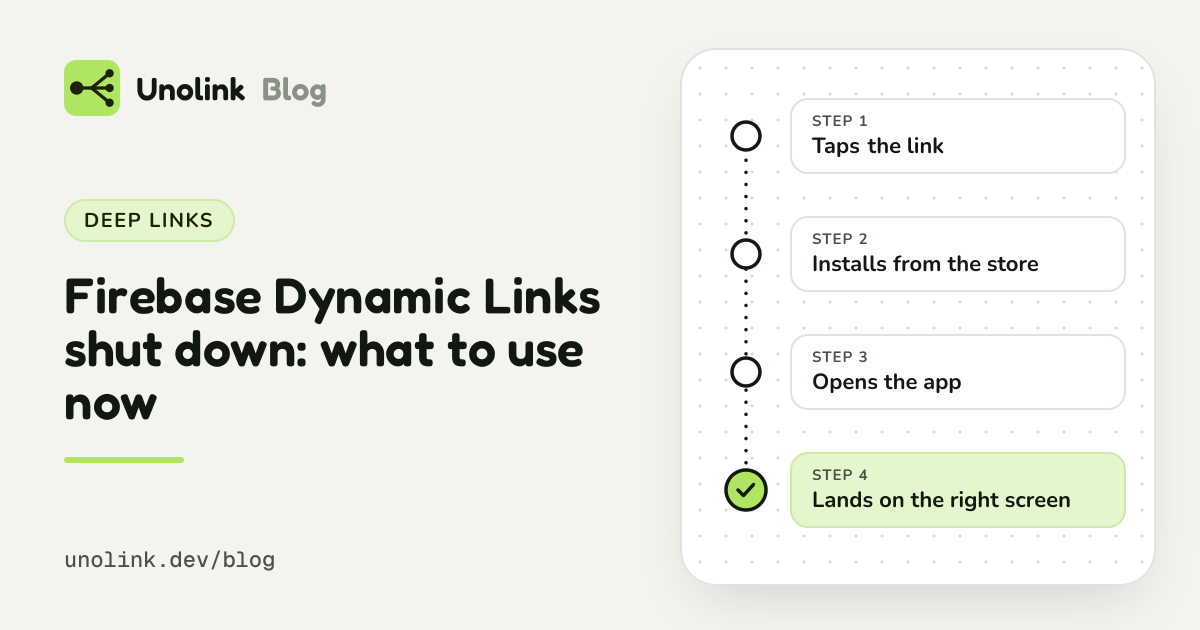
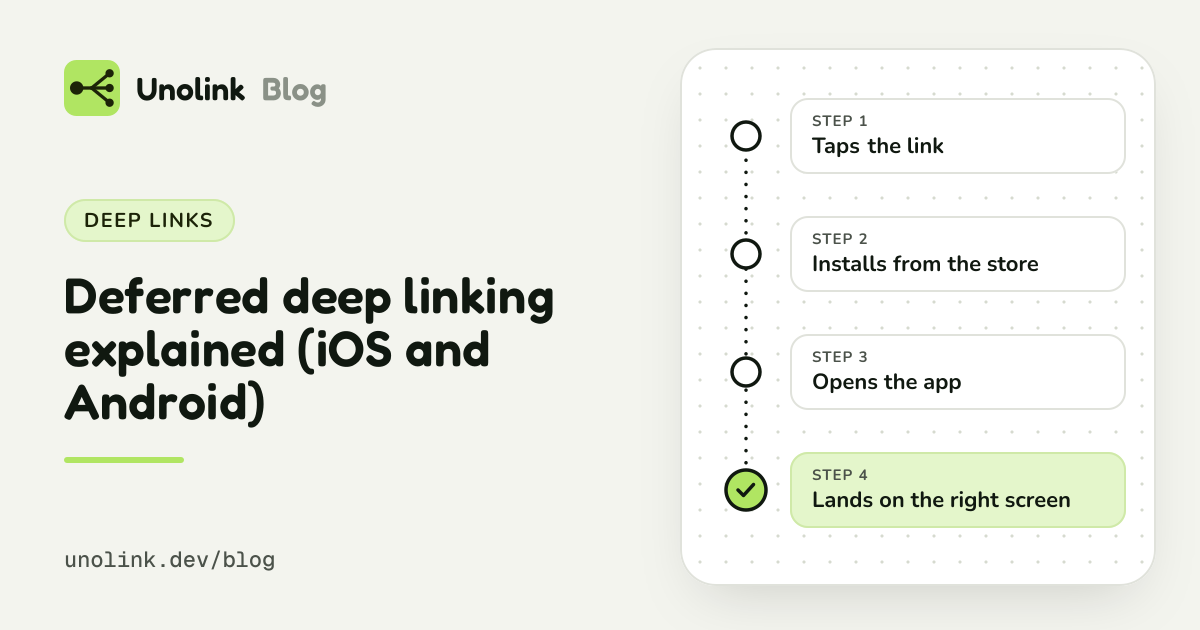
What happens, step by step
- Someone taps a link that points to a screen in your app: an invite, a recipe, an offer.
- The link sends them to the right store for their device.
- They install the app.
- On first launch, the app finds out which link brought them.
- The app opens that screen, ideally after any onboarding a new user has to go through first.
Step 4 is the whole problem, and it's where the platforms part ways.
On Android: supported by Google Play
Google Play supports deferred deep links out of the box, which makes them dependable on Android: no guessing, no prompts, and nothing the person has to do.
A few practical notes if you build it:
- It only works for installs from Google Play. Test with an internal testing track, not a build from Android Studio.
- Use it once, on first launch.
- If the destination is deep in the app, hold it until onboarding is done rather than skipping onboarding.
Our post Deferred deep links on Android, explained goes further, and the Android deferred deep links docs cover setup for Kotlin, React Native and Flutter.
On iPhone: no built-in handoff
Apple passes nothing from a link through an App Store install, so tools that promise deferred deep links on iPhone rely on fingerprinting or a paste prompt.
The good news is that you rarely need either. Two honest options cover most real cases:
- Signing in. If the person creates an account or signs in, the context travels with the account: an invite accepted on the web is waiting once they sign in on the phone. Allowed, reliable, and no prompts.
- Asking. A short code to type, or a choice on the first screen ("Got an invite? Enter the code"). It costs one step, so it suits invites and promos more than casual links.
And Universal Links shrink the problem: anyone who already has the app goes straight to the right screen, so only genuinely new users need any of this.
| Feature | How reliable | What it asks of the user | Allowed by Apple | Source |
|---|---|---|---|---|
| Paste prompt | Only when people allow it | A permission prompt, and it replaces what they copied | Not listed | |
| Fingerprinting | Wrong some of the time | Nothing | No | developer.apple.com |
| Signing in | Reliable | An account, so only for flows that have one | Yes | |
| Asking | Reliable | One step: a code to type or a choice to make | Not listed |
Do you need it?
Deferred deep linking matters most when the link is the reason someone installs:
- Invites and referrals: "Anna invited you to a shared list".
- Content shared from the app: a recipe, a workout, a playlist.
- Promotions: a link that should open a specific offer.
It matters much less for a general "get the app" link in a bio, an ad or on a poster. There, the first screen a new user should see is your onboarding, wherever they came from. What you need from those links is to know which link brought each install, and whether those people finished onboarding and paid. That's attribution, and it doesn't require landing anyone on a special screen.
A practical split many small teams use:
- Android: deferred deep links for invites, shares and offers.
- iPhone: Universal Links for people who have the app, and an account or an invite code for the flows that really need context after a fresh install.
What Unolink gives you
- Deferred deep links on Android (Pro and up, with the SDK): give any link a destination screen, and new Android users land on it after they install. Setup takes minutes.
- No fingerprinting, on any platform. That's why Unolink doesn't offer deferred deep links on iPhone. You never have to wonder whether an attribution tool will get your app into trouble with App Review.
- Which link brought each install, on iPhone and Android, without fingerprinting.
- What happened next: each link shows its installs, onboarding, paywall views and purchases, with RevenueCat revenue if you use it, so you can see which posts, creators and ads bring people who pay, not just clicks.
- A price on the page: from $19 a month for all of this on Pro, with no sales call and no per-install fees. See pricing.
Share this article