Find the onboarding screen people leave on
On this page
Onboarding is where most new users decide whether your app is worth it. If half of them never reach the paywall, the paywall isn't the problem: something before it is. The fastest fix is to find the one screen that loses the most people, and fix that one first.
One event per screen
Give each onboarding screen a fixed, simple name, such as goal, notifications and plan. The Unolink SDK has one
call for "this screen appeared", one for "skipped" and one for "finished", so tracking a whole flow takes a few lines.
The screen events are free: an onboarding counts as one event however many screens it has, so a long flow doesn't eat
into your plan.
Never send the person's answers. You need to know which screen they left on, not what they chose. That keeps your users' data private and keeps your numbers simple.
Read the drop-off
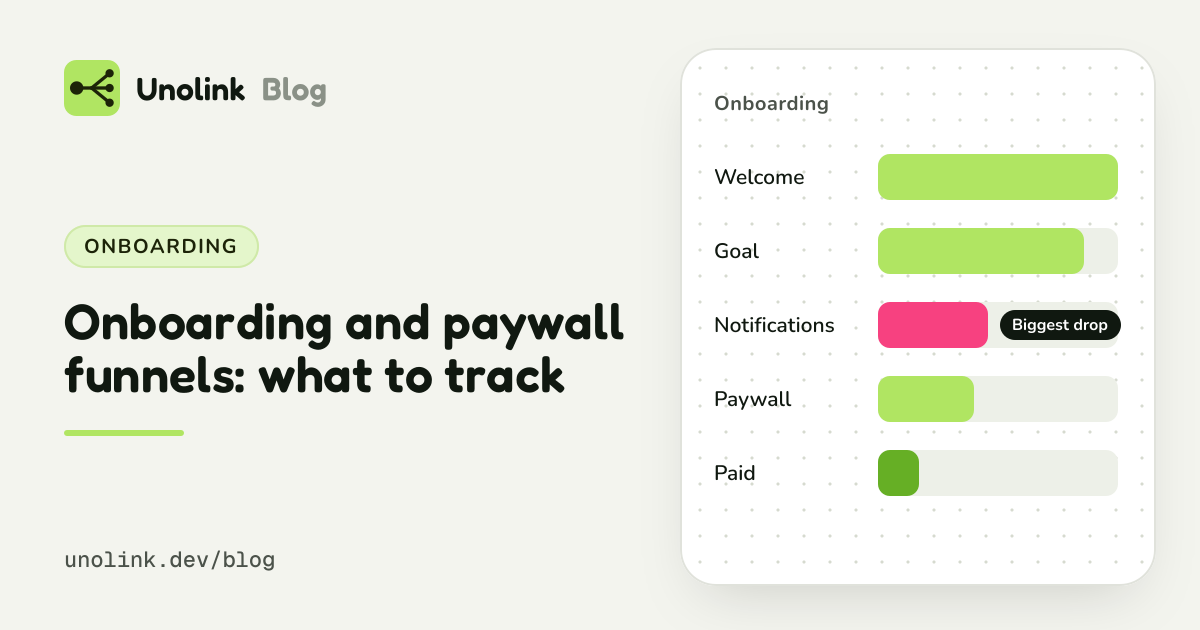
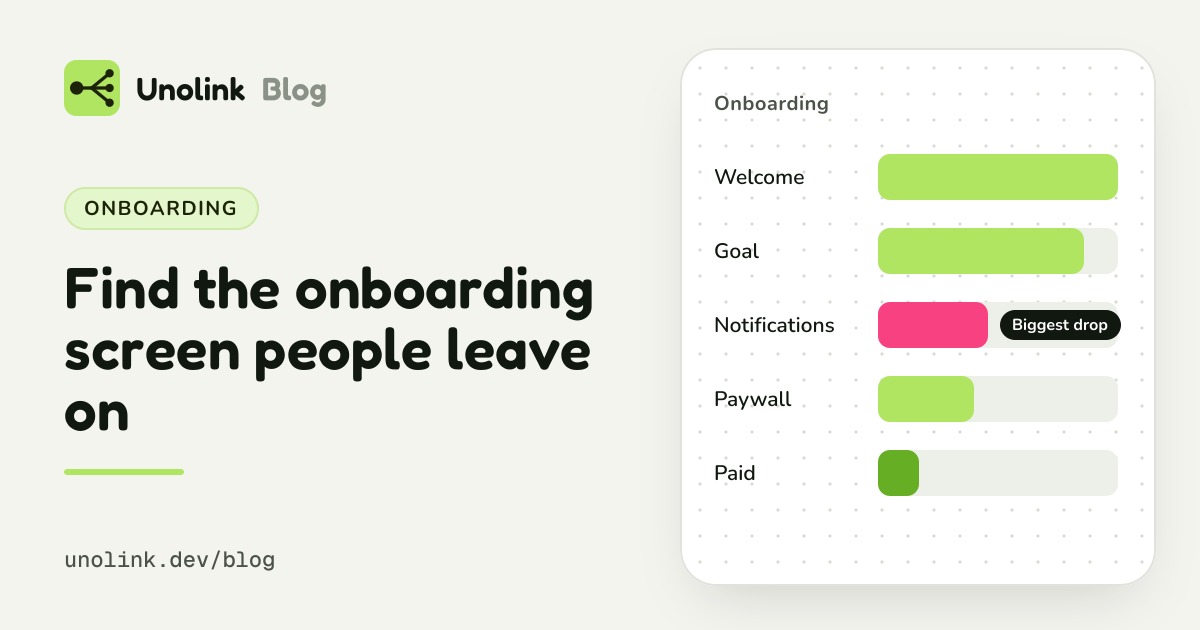
The Onboarding view lists your screens in order, with how many people reached each one, how many left there and how long they spent on it. People still in the middle of onboarding aren't counted as leaving, and going back or restarting the app needs nothing special.
- Welcome1,000
- Goal910−9%
- Notifications560−38%(biggest drop)
- Plan520−7%
- Finished490−6%
Biggest drop: Notifications
Look for the screen where the count drops the most. Typical suspects:
- A permission request too early, such as notifications before the app has shown any value.
- A long form, such as asking for an account before people have seen anything.
- A slow screen, one that loads data or plays a long animation.
Fix one screen, then compare
Change that one screen and compare the next week with the last. If you run two versions at the same time, give each its own flow name so the view shows them side by side.
Then follow them to the paywall
Onboarding is one step. Funnel shows the rest, per link: finished onboarding, saw the paywall, paid. So you can see whether the people from one TikTok post finish onboarding more often than the people from an ad, and which of them go on to pay.
Onboarding tracking is part of the SDK, on Pro ($19 a month) and Studio. How to send the events: SDK events.
Share this article